CRM Customization
Customize your existing CRM around your business processes, data requirements, user roles, dashboards, reports, and workflows. We help businesses adapt their CRM to the way their teams work, making everyday operations more efficient and easier to manage.


What is CRM Customization?
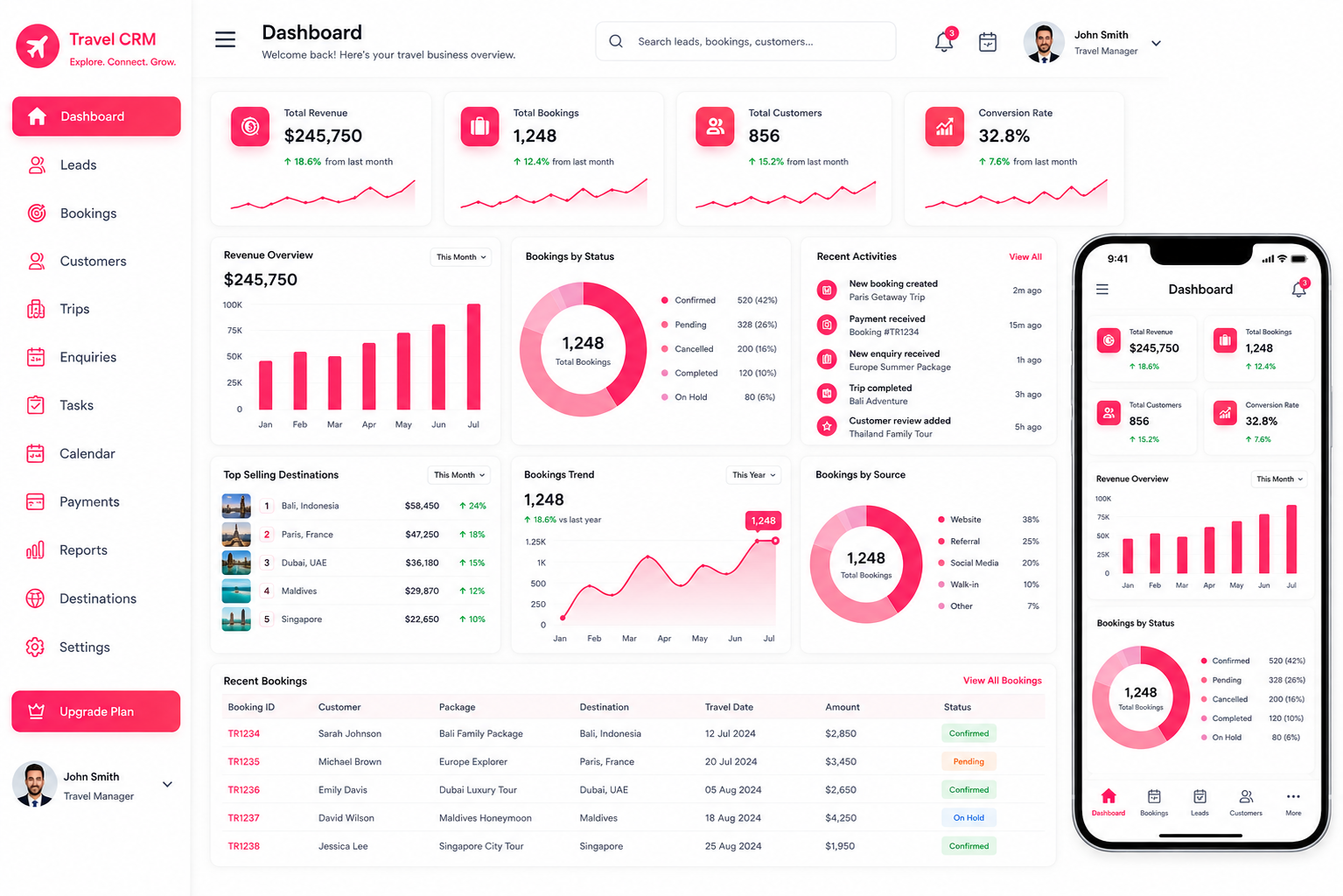
CRM customization is the process of adapting an existing CRM system to match the specific processes, data requirements, and working methods of a business. Since every organization manages customers and internal operations differently, a standard CRM setup may not always provide everything a team needs.
Businesses can tailor fields, forms, dashboards, reports and user permissions to best fit the workflow instead of adapting workflows to fit the standard CRM. The aim is not to include too many unnecessary features but to make the system more user friendly and relevant. The first step in a successful CRM customization strategy is to understand the current workflow and what issues and areas of limitation the current CRM system presents.
Why Does Your Business Need CRM Customization?
As your business grows, your CRM requirements can change. New teams, more detailed sales processes, additional customer data, and evolving reporting requirements can make a standard CRM setup less practical. Common reasons businesses consider customization include:
Business-Specific Requirements
Standard CRM fields may not capture all the information your business needs to manage customers and internal processes effectively. Custom fields and layouts can be introduced to organize information that is important to your particular industry or process.
Better User Experience
A CRM system with pertinent information and sensible workflows is likely to be used more regularly by staff. By eliminating irrelevant components and structuring key information, everyday tasks can be made simpler.
Department-Specific Requirements
The CRM can be used differently within different teams, such as sales, customer service, management, and others. Custom views, permissions, fields and dashboards can give each team the information they need without complicating the system.
Improved Data Visibility
A customized CRM can display important information in a more accessible way. Teams can use custom dashboards, reports, and data views to target the data and metrics that are most important to them.
Greater Flexibility
As business requirements evolve, your CRM can be adjusted to support new processes, teams, and data requirements without changing the entire system.
Our CRM Customization Services
Customize the parts of your CRM that matter most to your business.
CRM Module Customization
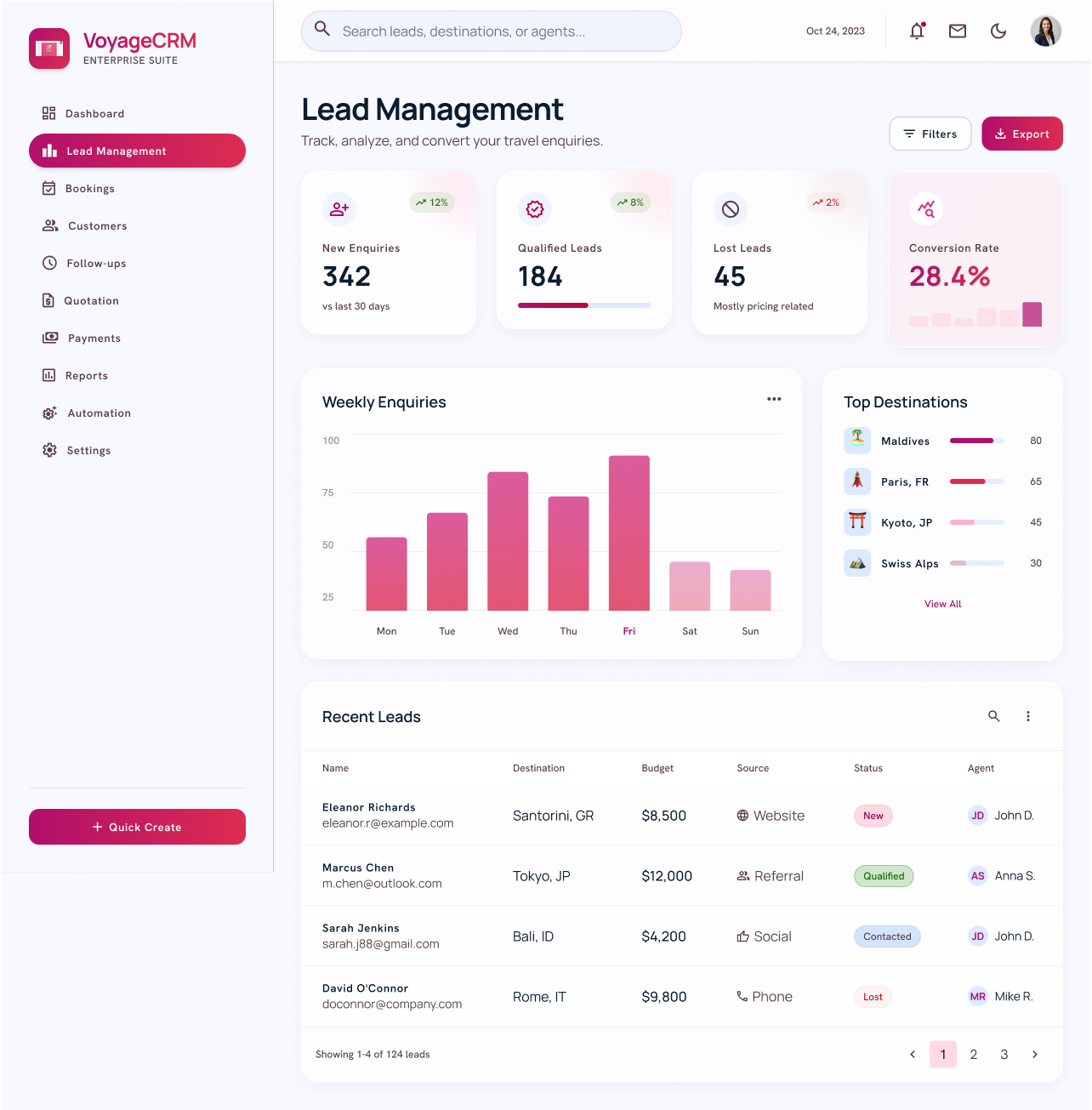
Modify existing CRM modules, fields, sections, and layouts to better match your business processes.
Custom Fields & Forms
Add the fields and forms your teams need to capture relevant customer and business information.

CRM Dashboard Customization
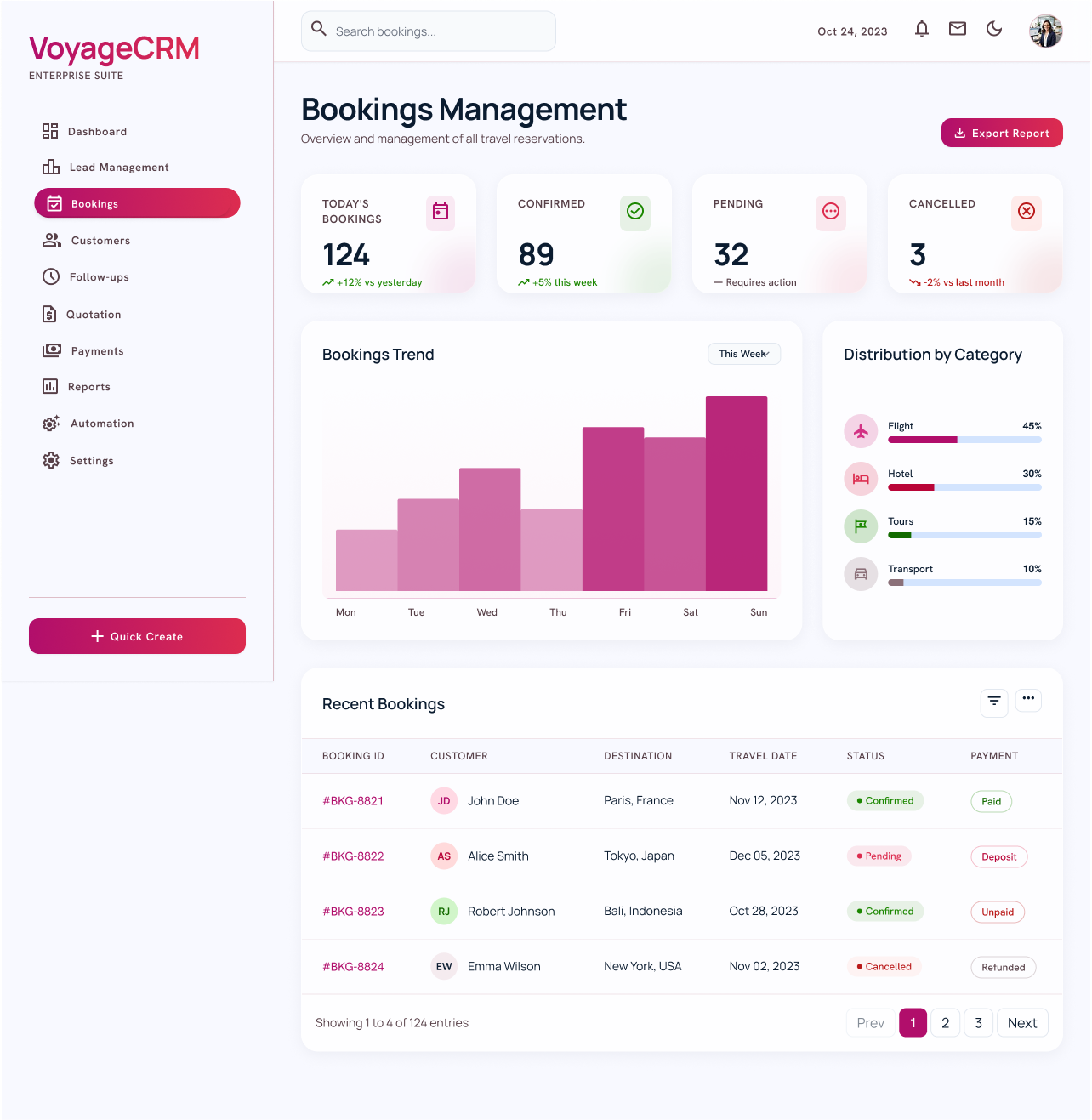
Create dashboards that give sales teams, managers, and decision-makers quick access to the information they need.

CRM User Interface Customization
Simplify layouts, menus, page structures, and data views to create a cleaner and more practical CRM experience.
CRM Workflow Customization
Adjust existing CRM workflows to follow your actual business processes instead of forcing teams into a generic setup.

User Roles & Permission Customization
Configure access levels based on team responsibilities so users can view and manage the information relevant to their roles.
CRM Report Customization
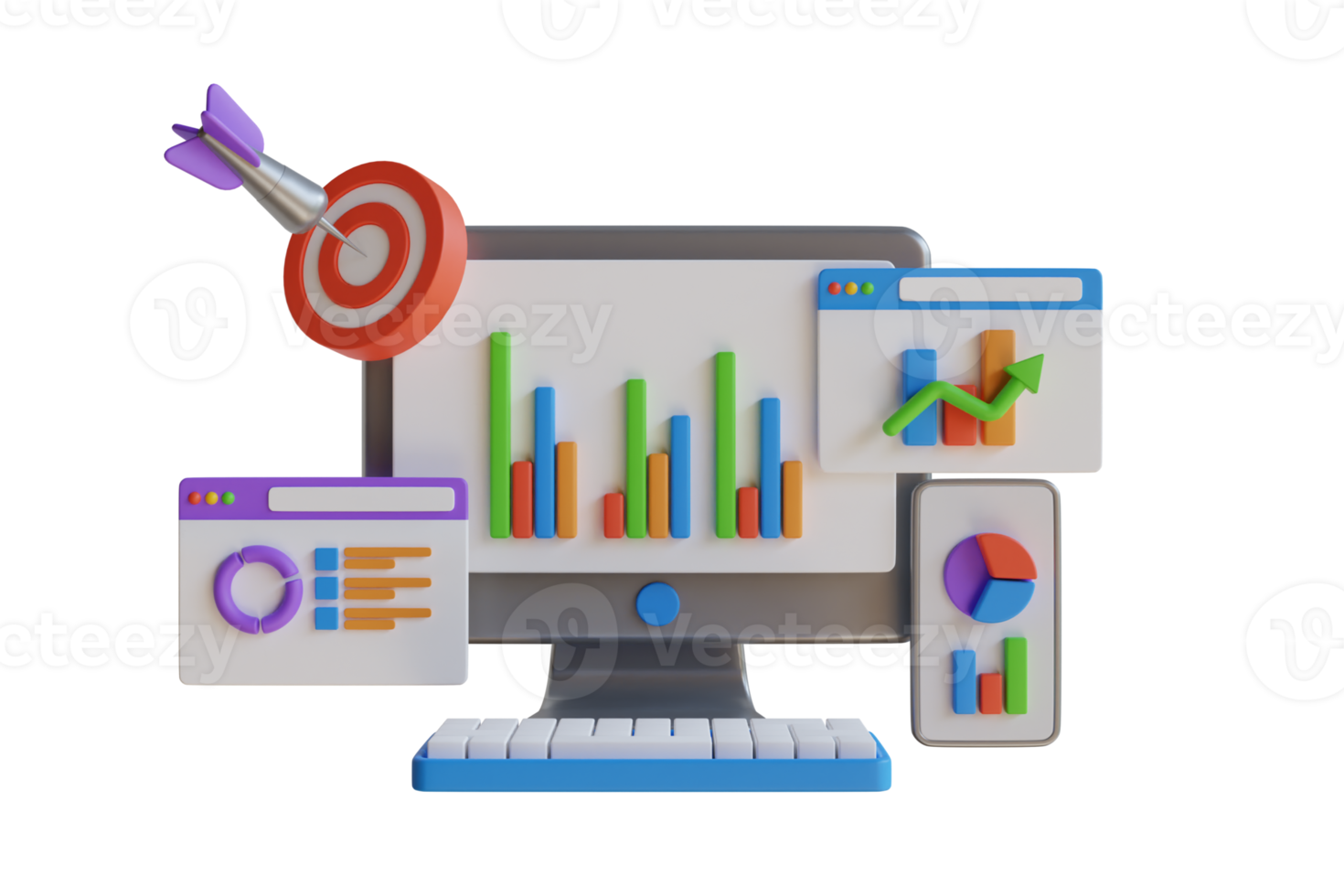
Build reports around your business metrics, teams, departments, and management requirements for more useful insights.
CRM Customization for Different Business Needs
Your CRM can be adapted to the requirements of different teams and business functions.
Sales CRM Customization
Customize lead fields, opportunity details, sales stages, customer information, and performance views for sales teams.
Customer Service CRM Customization
Organize customer history, service records, issue details, communication, and support-related information in a way that works for your service teams.
Management CRM Customization
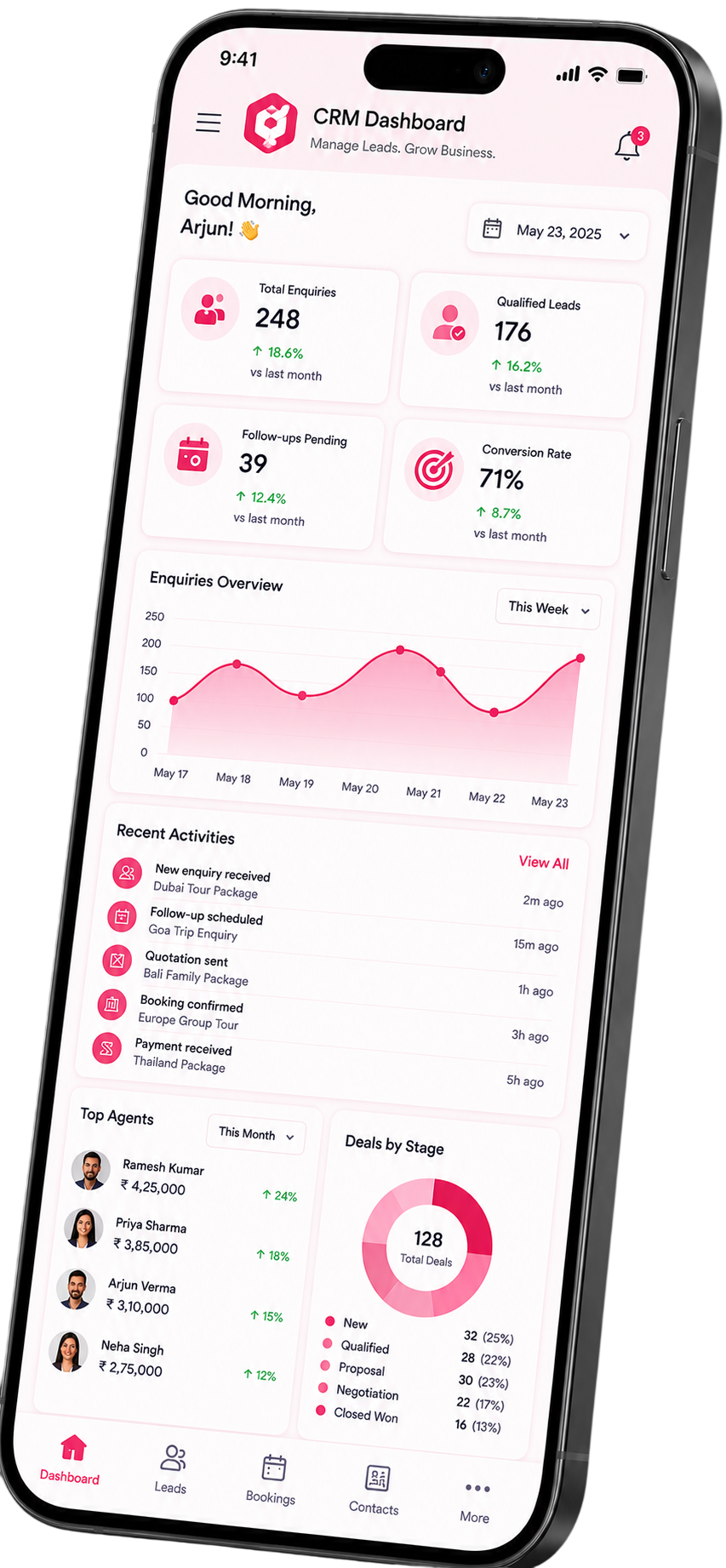
Create dashboards and reports that give managers and business owners a clearer view of team activity, customer data, and business performance.
Industry-Specific CRM Customization
Adapt CRM structures to industry-specific information and processes without adding unnecessary complexity.
What Can We Customize in Your CRM?
Depending on your CRM platform and requirements, we can customize areas such as:
Note: The exact possibilities depend on the CRM platform being used. Before making changes, it is important to understand the existing configuration and determine whether each requested customization provides a genuine business benefit.
Custom CRM Fields vs
Custom CRM
Modules
Custom fields and custom modules serve different purposes, and choosing the right option depends on how your business manages its information.
Custom Fields
Generally used to capture additional information within an existing record. For example, a company may need a specific customer attribute that is not available in the default CRM setup.
Custom Modules
Provide a separate structure for managing a specific type of business information that does not fit naturally into the existing modules.
A thoughtful approach avoids adding unnecessary fields or modules simply because the platform allows them.
Customize Your Existing CRM
Already using a CRM that no longer fits your business requirements? You may not need to replace it. Customizing the existing system can help align its structure and functionality with the way your business operates.
Our Approach Includes:
For organizations that need to connect their CRM with other business applications, explore our CRM integration services.
CRM Customization Process
Our CRM customization process starts with understanding your business requirements, existing CRM setup, and the areas that need improvement. This helps ensure that every customization has a clear purpose.
Understand Business Requirements
We discuss how your teams currently use the CRM, what information they manage, and where the existing setup creates difficulties.
Review the Existing CRM
The current configuration is assessed to understand existing modules, fields, layouts, permissions, and other relevant components.
Define Customization Requirements
The required changes are documented and prioritized. This helps separate essential improvements from changes that may not provide meaningful value.
Plan the CRM Structure
A customization plan is prepared based on the business requirements and technical capabilities of the CRM platform.
Implement the Customizations
The agreed changes are implemented across the relevant CRM components, including fields, modules, layouts, dashboards, reports, and user access structures.
Test the Customized CRM
The customized environment is reviewed to make sure the changes work as expected and do not create unnecessary issues for existing users or processes.
Deploy and Support
After validation, the customized CRM can be introduced to users. Further adjustments can be made as business requirements evolve.
Better Usability
A CRM containing relevant fields, layouts, and information can be easier for employees to navigate and use consistently.
Business-Specific Data Management
Customization allows organizations to organize customer information according to their own requirements instead of relying entirely on a generic structure.
Improved Data Visibility
Customized dashboards, reports, and views can make important information easier to find and understand.
Benefits of CRM Customization
CRM customization makes your existing system more practical by aligning it with your workflows, data needs, and team requirements.

Better Team Adoption
When a CRM reflects the way employees actually work, users may find it easier to incorporate the system into their daily activities.

Greater Flexibility
Businesses can adjust their CRM configuration as their requirements change, helping the system remain relevant as the organization develops.
More Focused CRM Experience
Customization does not always mean adding more features. In some cases, removing unnecessary elements and simplifying the interface can provide greater value.
Standard CRM vs Customized CRM
Standard CRM
-
General-purpose configuration
-
Standard fields
-
Standard modules
-
Generic dashboards
-
Standard reports
-
General user experience
-
Limited configuration based on requirements
Customized CRM
-
Business-specific configuration
-
Custom fields
-
Customized modules
-
Role-specific dashboards
-
Business-specific reports
-
Personalized user experience
-
Greater flexibility within platform capabilities
A standard CRM can be a strong starting point. Customization becomes useful when the existing configuration does not adequately support the organization's requirements.
CRM Customization for
Different
Industries
CRM customization can be adapted to different business environments because customer data and internal processes vary from one industry to another.

Real Estate
Customize customer records around property interests, lead details, location preferences, and sales-related information.

Healthcare
Organize relevant customer or patient-related information according to the organization's operational requirements and applicable data practices.
Education
Customize enquiry, student, course, admission, and communication-related information based on institutional requirements.

E-commerce
Structure customer information around customer profiles, purchase-related records, and business-specific customer management needs.
Finance
Create appropriate customer information structures, reporting views, and access levels based on business requirements.

Travel and Hospitality
Customize customer records and business-specific information around enquiries, travel preferences, service requirements, and related activities.
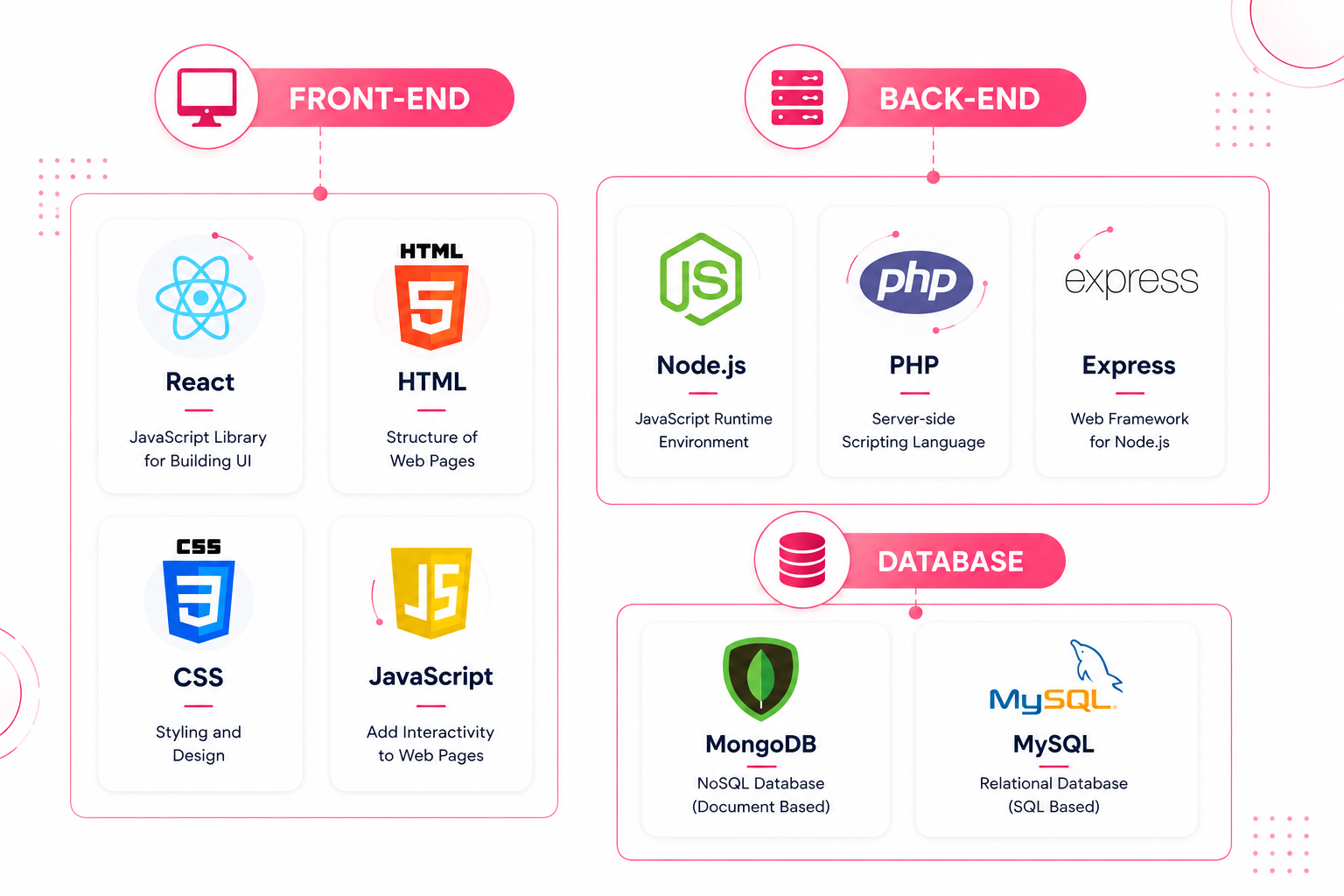
Technology used in our Travel CRM
Why Choose Our CRM Customization Services?
Effective CRM customization is not about adding more features. It is about configuring the right features, information, and workflows around your actual business requirements.
We focus on understanding your existing CRM setup, business requirements, users, and information structure before recommending changes.
We aim to create CRM environments that are practical for everyday users while supporting the organization's broader business requirements.
Our approach emphasizes:
Frequently Asked Questions
Get in touch today
We're here to help and answer any question you might have. We look forward to hearing from you.