CRM Automation
Services
Automate repetitive CRM tasks, streamline sales workflows, and keep customer activities moving with greater consistency. Our CRM automation services help businesses reduce manual work, improve lead response, simplify follow-ups, and build workflows around the way their teams actually operate.
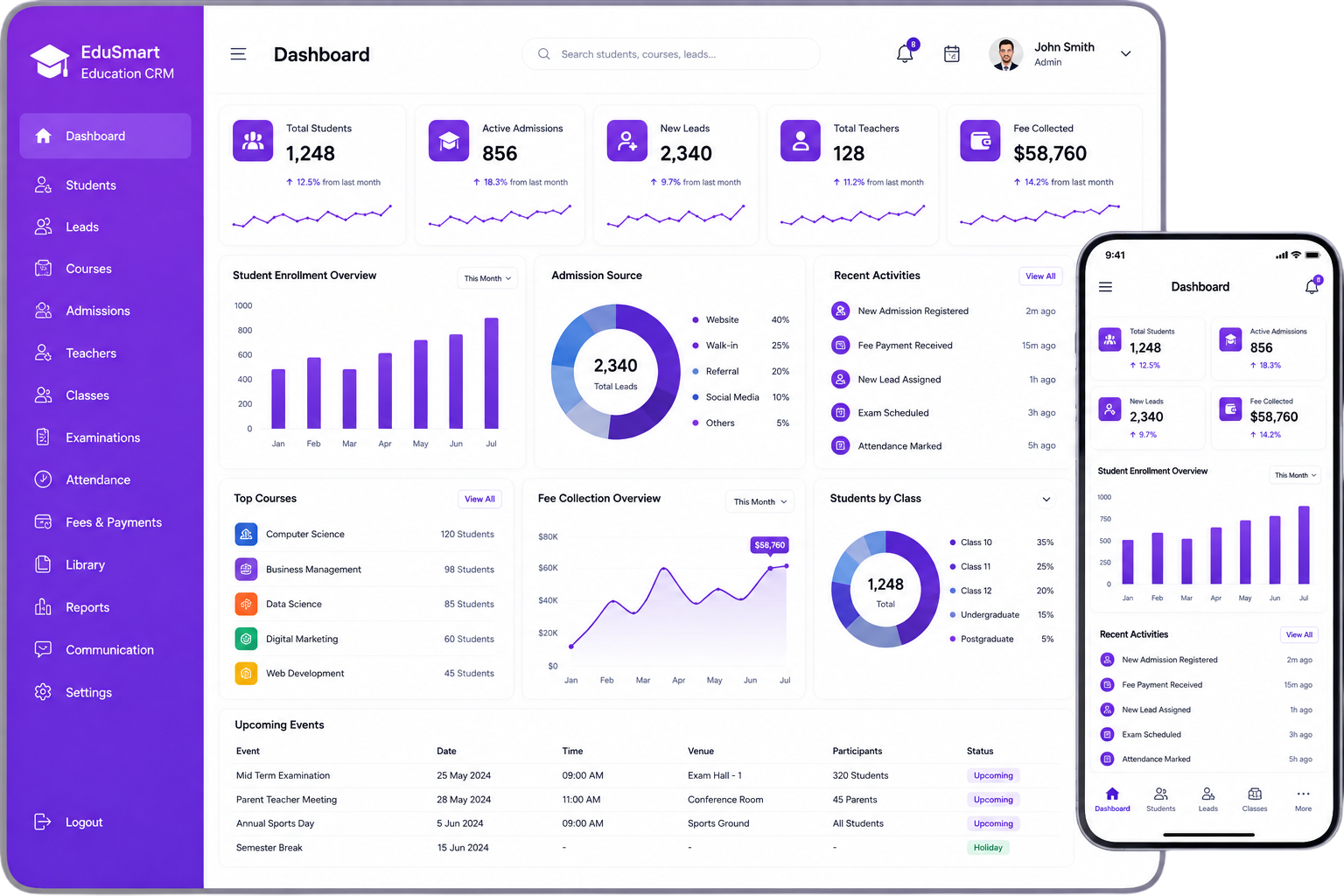


Automate the Work. Focus on Growth.
As your business grows, managing leads, follow-ups, customer updates, sales activities, and routine tasks manually can consume valuable team time. CRM automation helps move these repetitive activities into predefined workflows so your employees can focus more on customers, opportunities, and important business decisions.
With the right automation strategy, a new lead can be assigned automatically, a deal-stage change can create a follow-up task, and an important deadline can trigger a notification without someone having to manage every step manually.
Why Businesses Automate CRM Processes
Less Manual Work
Reduce repetitive CRM activities.
Faster Lead Response
Start important actions without unnecessary delays.
Consistent Workflows
Follow defined processes across your team.
Better Productivity
Give employees more time for higher-value activities.
What Is CRM Automation?
Understanding Workflow Automation
CRM automation uses predefined triggers, rules, conditions, and actions to manage repetitive activities within a customer relationship management system.
Instead of asking employees to manually assign every lead, create every reminder, update every record, or prepare every routine report, businesses can define workflows that perform these activities automatically when specific conditions are met.
For example, when a new enquiry enters the CRM, the system can capture the customer information, assign the lead to the appropriate representative, create a follow-up task, and notify the responsible team member.
Common CRM Activities You Can Automate
- Lead capture and assignment
- Lead qualification
- Follow-up reminders
- Sales task creation
- Customer record updates
- Deal-stage activities
- Email and internal notifications
- Appointment reminders
- Customer onboarding activities
- Routine reports
CRM Automation Solutions Built Around Your Business
Every business follows different customer, sales, and operational processes. Our CRM automation software are designed around your existing workflows rather than forcing your team to adapt to unnecessary automation.We identify repetitive activities, define the right triggers and conditions, and build practical workflows that help your teams work more efficiently.
Lead Management Automation
Sales Process Automation
Follow-Up Automation
Customer Communication Automation
Task & Notification Automation
Reporting Automation
Lead Management Automation
Automatically capture, assign, qualify, and manage leads based on predefined business rules. Lead sources, regions, customer types, or other criteria can determine how leads move through your process.
CRM Automation Services
Our CRM automation services help businesses turn repetitive processes into structured, reliable workflows. From planning the automation logic to developing, testing, and improving workflows, we focus on practical automation that supports your business operations.
Workflow Planning
Identify repetitive processes and determine where automation can provide meaningful operational value.
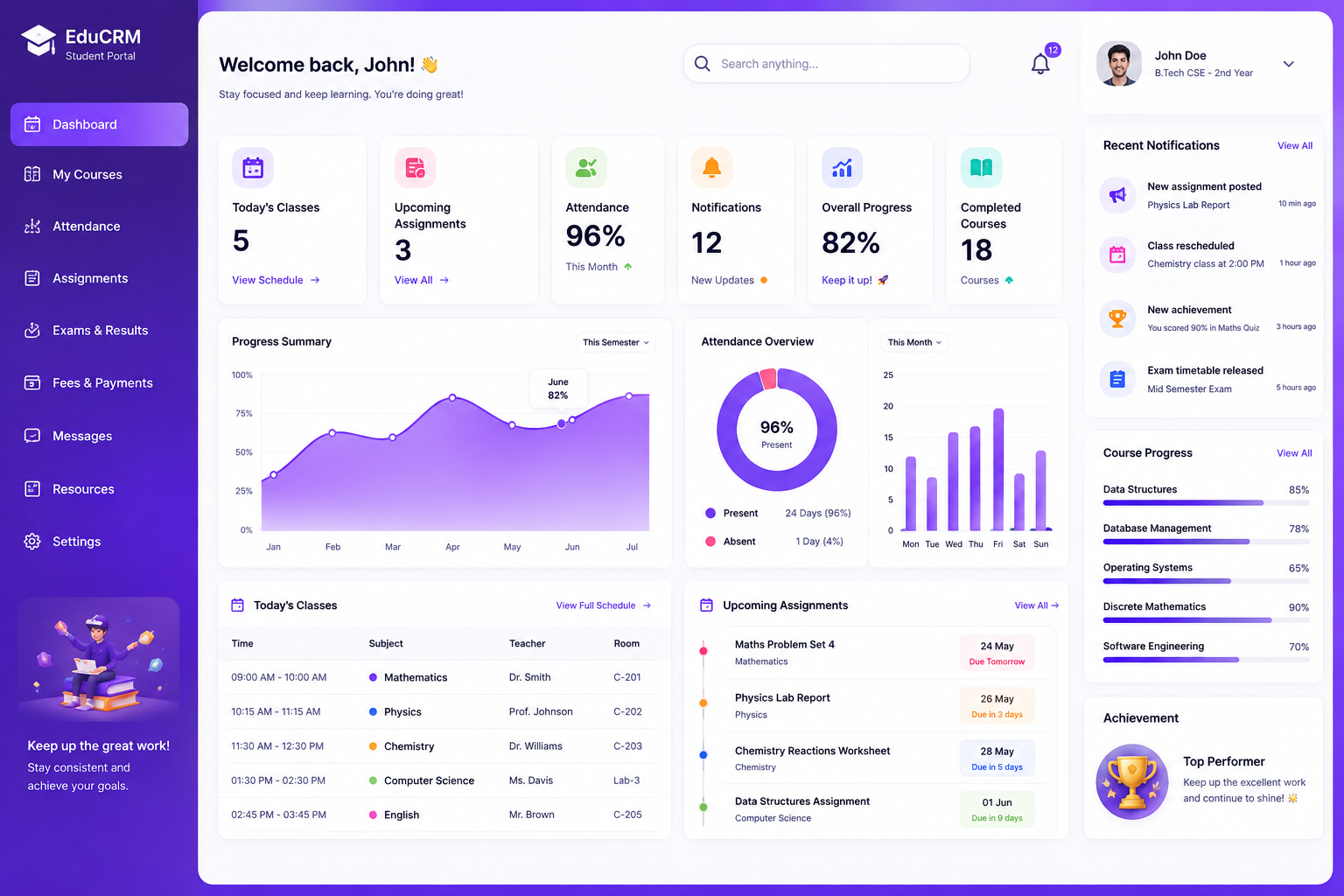
How CRM Workflow Automation Works
A practical CRM workflow automation process follows a straightforward structure:
A defined process for automating your business logic.
Trigger
A specific event starts the workflow.
Examples:
- A new lead is created
- A customer enquiry is received
- A deal changes stage
- A task reaches its deadline
Condition
The system checks whether predefined criteria are satisfied. For example, a workflow may apply only to leads from a specific source, region, customer category, or sales stage.
Action
The system performs the predefined activity.
Examples:
- Assign a lead
- Create a task
- Send a notification
- Update a record
- Schedule a follow-up
Result
The next business activity begins without requiring unnecessary manual coordination.
Example Workflow
This structured approach helps teams maintain consistent processes while reducing repetitive administrative work.
CRM Automation Software for Smarter Operations
Effective CRM automation software should do more than store customer information. It should help teams take the right action at the right time.
Depending on your business requirements, an automated CRM environment can include:
- Automated lead routing
- Workflow triggers
- Rule-based actions
- Follow-up scheduling
- Automated task creation
- Email notifications
- Customer activity tracking
- Sales pipeline automation
- Automated reminders
- Role-based workflow actions
- Dashboard reporting
- Performance analytics
The exact automation setup should be based on your business processes, team structure, customer journey, and operational requirements.
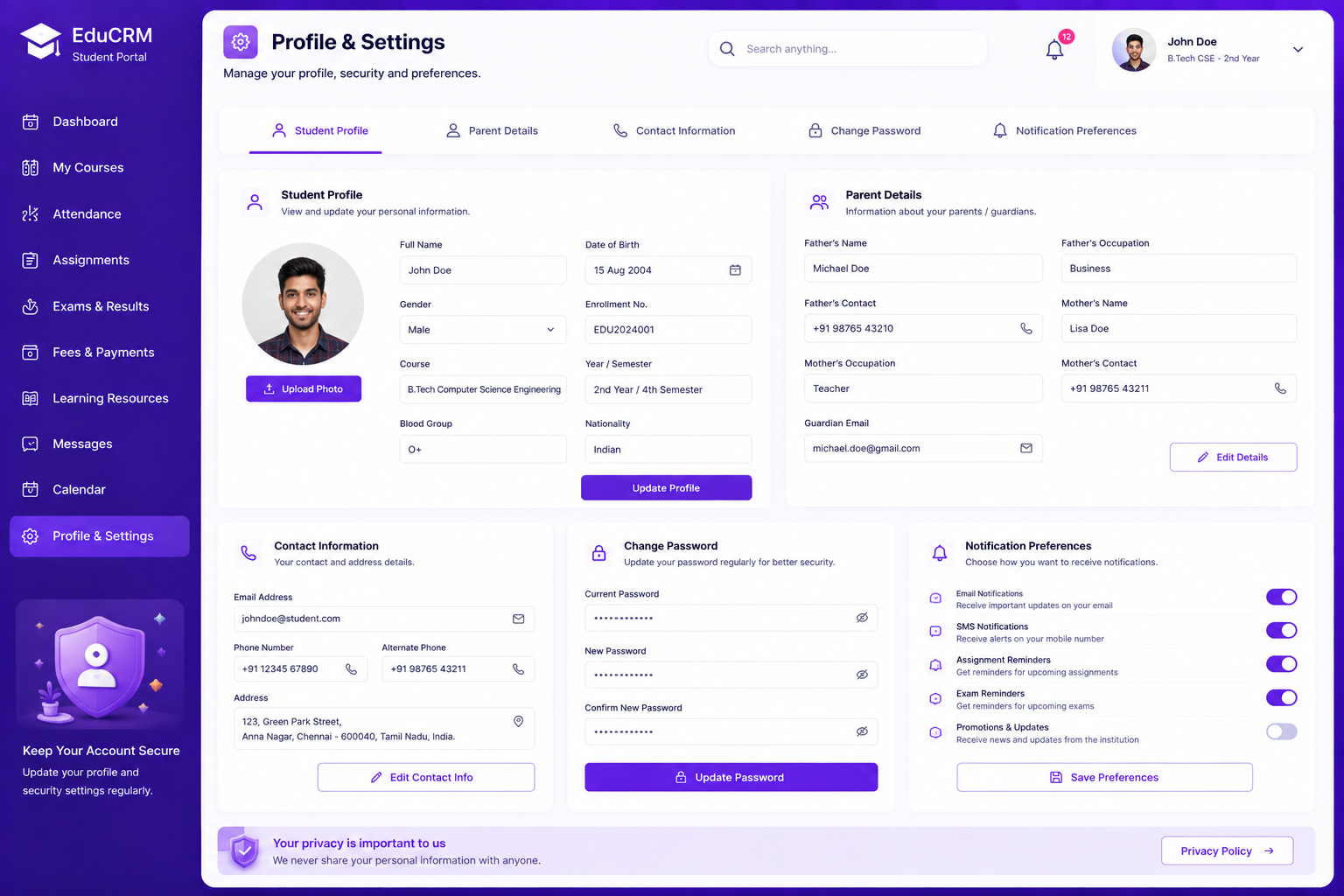
Key Features of CRM Automation
Discover the powerful capabilities that help streamline your business processes and enhance operational efficiency.

Automated Lead Assignment
Route incoming leads to the appropriate team or representative according to predefined rules.
Smart Follow-Up Workflows
Create follow-up activities automatically based on customer actions, sales stages, or scheduled events.

Workflow Triggers
Start automated processes when specific customer, sales, or operational events occur.

Automated Task Creation
Generate routine tasks automatically when defined workflow conditions are met.

Real-Time Notifications
Alert responsible users when important activities require attention.

Sales Pipeline Automation
Trigger appropriate actions as opportunities move through different sales stages.
Customer Activity Tracking
Maintain an organized history of customer interactions and relevant CRM activities.
Reports & Analytics
Provide managers with visibility into workflow activity, sales performance, and operational progress.

AI-Assisted Automation
AI can support lead prioritization, behavior analysis, recommendations, and routine responses under human oversight.
Benefits of CRM Automation
Discover how automation transforms your workflow, empowering teams and driving sustainable business growth.
Reduce Repetitive Administrative Work
Automation handles predefined updates, reminders, assignments, and routine activities so employees can spend more time on work that requires human judgement.
Respond to Leads Faster
When a new lead enters the CRM, automated actions can immediately start the next step in the process, helping reduce delays.
Improve Process Consistency
Clearly defined workflows help teams follow the same process instead of relying entirely on individual employees to remember each step.

Minimize Manual Errors
Automation can reduce missed follow-ups, forgotten tasks, inconsistent updates, and other issues associated with repetitive manual data handling.

Improve Team Productivity
Sales and customer-facing teams can spend more time on customer conversations, decisions, and revenue-generating activities.
Improve Business Visibility
Consistent workflow activity gives managers a clearer view of lead movement, sales activity, customer engagement, and operational performance.

Support Business Growth
As lead and customer volumes increase, automated workflows can handle repetitive activities without requiring the same level of manual effort.
Real Estate
Automate enquiry assignment, follow-up reminders, property-interest tracking, lead status updates, and sales-stage activities.
E-commerce
Manage customer enquiries, notifications, follow-ups, and recurring customer engagement activities.
Financial Services
Automate lead routing, reminders, customer communication, and routine process notifications.
CRM Automation Use Cases
CRM automation can support businesses across industries and different operational models.
Healthcare
Support enquiry management, appointment-related communication, and scheduled customer activities with appropriate human oversight.
Education
Automate student enquiries, follow-ups, application-stage notifications, and admissions-related tasks.
B2B Sales
Manage longer sales cycles through automated reminders, opportunity-stage actions, task creation, and follow-up workflows.
CRM Automation Development Process
Our CRM automation development process begins with understanding your business workflow before building the automation.
01. Requirement Analysis
Understand your existing CRM activities, users, business rules, repetitive tasks, and operational requirements.
02. Workflow Identification
Identify repetitive and predictable activities that are suitable for automation while separating processes that still require human decisions.
03. Automation Planning
Define the required triggers, conditions, actions, user roles, and expected workflow outcomes.
04. Workflow Design
Create a clear workflow structure that is easy for users and administrators to understand and manage.
05. Development
Develop the required automation logic, workflow rules, dashboards, notifications, integrations, and supporting functionality.
06. Testing
Test workflows across different business conditions, user roles, normal scenarios, and exceptions.
07. Deployment
Prepare the completed automation solution for production use after validation.
08. Monitoring & Optimization
Monitor workflow performance after launch and improve workflows when business processes, requirements, or operational needs change.
When Should You Automate Your CRM?
CRM automation may be valuable when your business regularly experiences:
The goal is not to automate everything. Start with processes that are repetitive, predictable, and easy to define, then expand automation as your requirements evolve.
Manual CRM Management vs Automated CRM
Manual CRM Management
-
Employees perform repetitive updates
-
Follow-ups depend on individual reminders
-
Tasks are created manually
-
Reports require manual preparation
-
Processes may vary between employees
-
Scaling increases manual workload
Automated CRM Management
-
Routine updates can happen automatically
-
Workflows can trigger follow-up activities
-
Tasks can be generated from predefined rules
-
Reports can be scheduled
-
Defined workflows improve consistency
-
Automation can support higher activity volumes
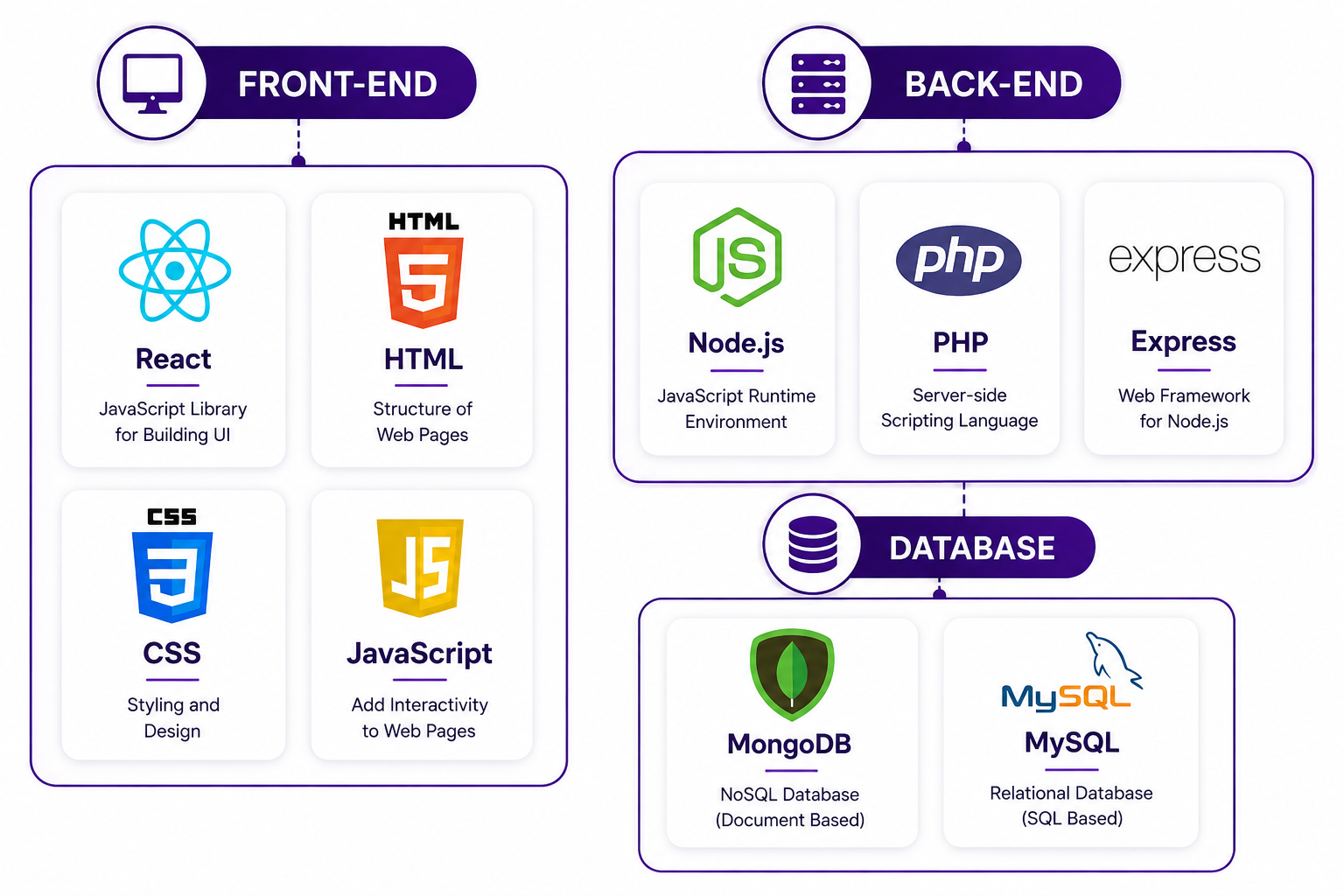
Technology used in our Education CRM
Why Choose Our CRM Automation Services?
Business-Focused Approach
Business-Focused Approach
We plan automation around your actual business processes instead of adding unnecessary features or workflows.

Scalable Development
Scalable Development
Workflows can be structured to support changing business volumes, users, and operational requirements.

User-Friendly Workflows
User-Friendly Workflows
Automation should simplify daily work. We focus on creating workflows that users can understand and manage effectively.

Security-Minded Development
Security-Minded
Customer and business information should be handled with appropriate access controls and responsible security practices.
Clear Automation Logic
Clear Automation Logic
Every trigger, condition, and action should have a defined purpose and expected outcome.

Long-Term Support
Long-Term Support
Business processes change over time. Your automation setup should be able to evolve with your business requirements.
What Makes a CRM Automation Project Successful?
Start With the Business Process
Identify the repetitive activity before deciding what should be automated.
Keep Workflows Clear
Simple, well-defined workflows are easier to understand, test, maintain, and improve.
Use Reliable Data
Automation depends on accurate customer and business information. Poor-quality data can affect automated outcomes.
Maintain Human Oversight
Important customer and business decisions may require human judgement. Automation should provide room for review and exception handling.
Review Workflows Regularly
Business requirements change. Regular workflow reviews help ensure that automation continues to support current processes.
Frequently Asked Questions
Get in touch today
We're here to help and answer any question you might have. We look forward to hearing from you.